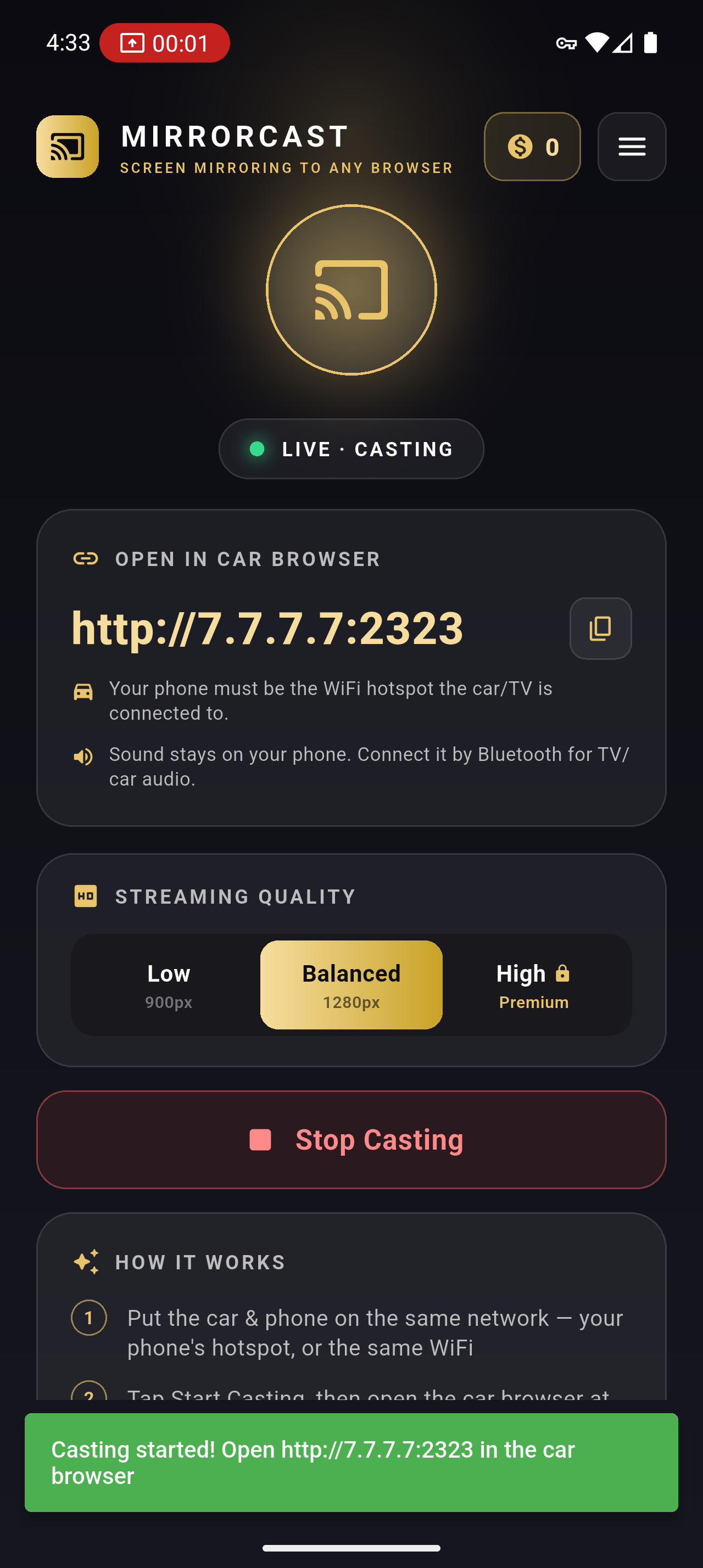
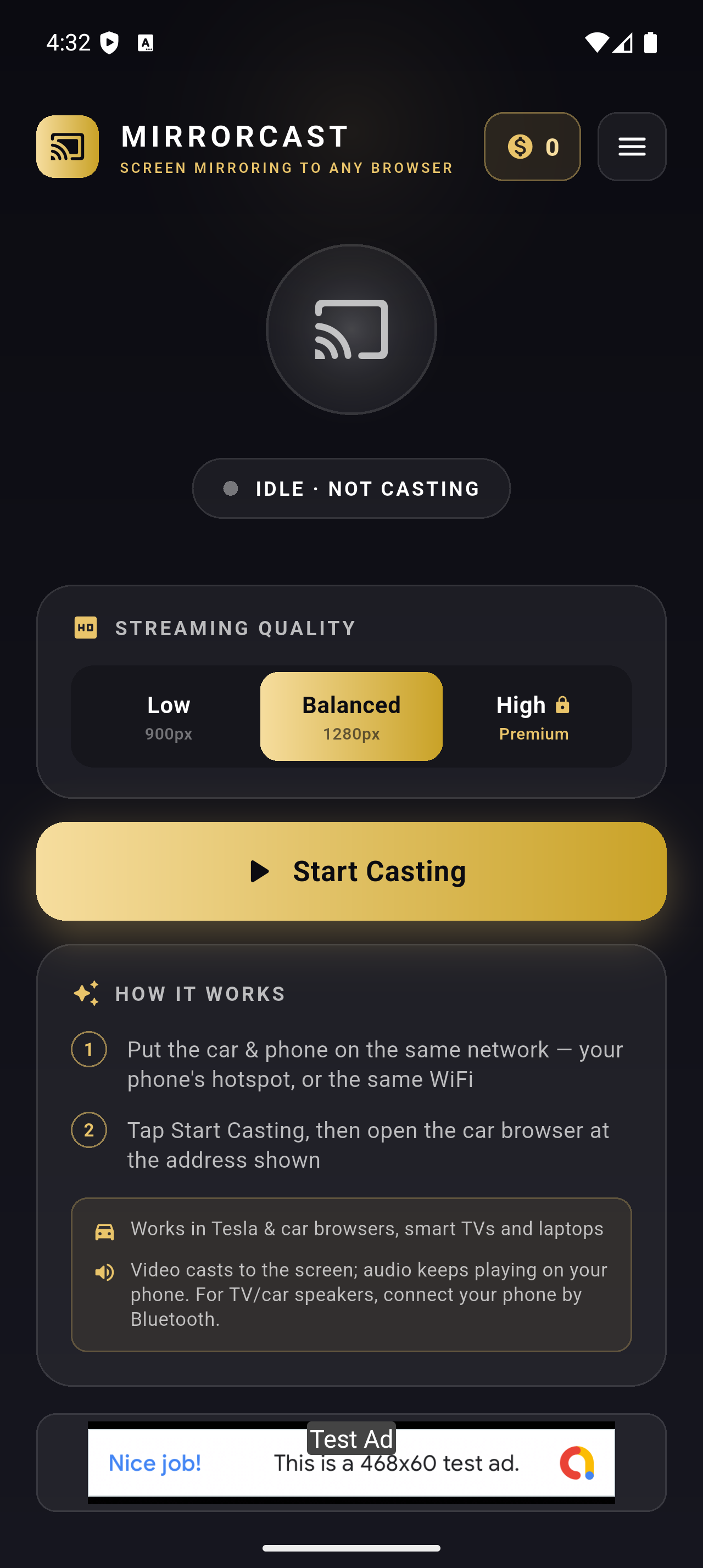
How do I connect my TV or car to MirrorCast?
Turn on your phone's personal hotspot, then connect the TV/car to THAT hotspot — MirrorCast only works when your phone itself is the hotspot, not when both devices join a separate WiFi network. Tap Start Casting, then open the browser on the TV/car and go to the web address MirrorCast shows (http://7.7.7.7:2323).
Why is there no sound on my TV or car?
MirrorCast sends video only. Audio keeps playing from your phone. To hear it on the car or TV, connect your phone to it by Bluetooth — then the sound plays through those speakers.
A streaming app (Netflix, Disney+, a live-TV app…) is black. Why?
Most premium streaming apps protect their video with DRM, which blocks screen capture at the hardware level. This is outside any screen-mirroring app's control. YouTube, web pages, games, and non-DRM video all work fine.
Which devices can I cast to?
Anything with a modern web browser: Tesla and other car browsers, smart TVs, laptops, tablets, and other phones. No Chromecast or extra hardware needed.
Is my screen private?
Your screen is streamed only over your local network to the device you point at the address. It is not uploaded to us or any third party, and there is no account or login.
How do I remove the ads?
Subscribe to MirrorCast Premium from the app's menu. Premium removes the ad bar on the TV/car screen and the banner inside the app.